
Connect your domain
- In Settings → Portal → Domain, enter the address you want, e.g.
portal.youragency.com. - At your DNS provider, add the CNAME record shown on the page.
- Wait a few minutes. Acme checks the record and issues the HTTPS certificate automatically.
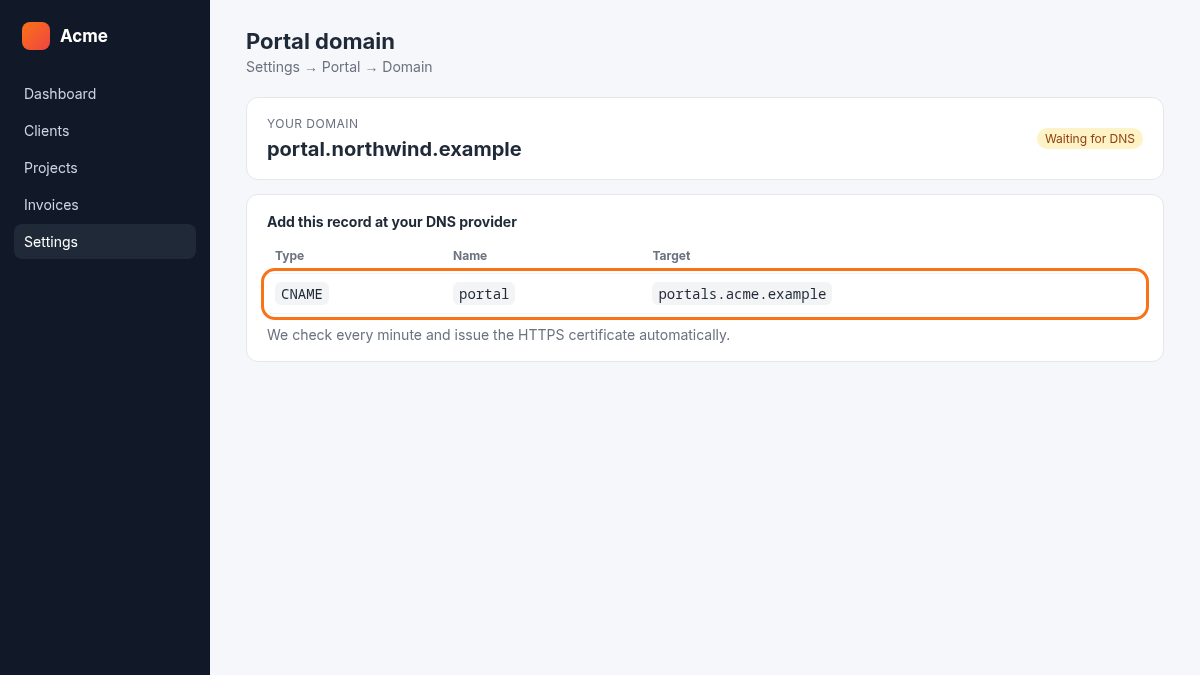
| Type | Name | Target |
|---|---|---|
| CNAME | portal | portals.acme.example |
Using Cloudflare? Set the record to DNS only (grey cloud) until the certificate is issued.