
Create your Acme account
Acme gives every new workspace a 14-day trial with all features. No card is needed to start.
Step by step
- Go to app.acme.example and click Start free trial.
- Enter your name, work e-mail and a password of at least 10 characters.
- Open the confirmation e-mail and click Confirm my address.
- Name your workspace. Most agencies use their company name; you can change it later in Settings → Workspace.
Invite a teammate on day one. Workspaces with two or more people finish setup twice as fast.
What happens next
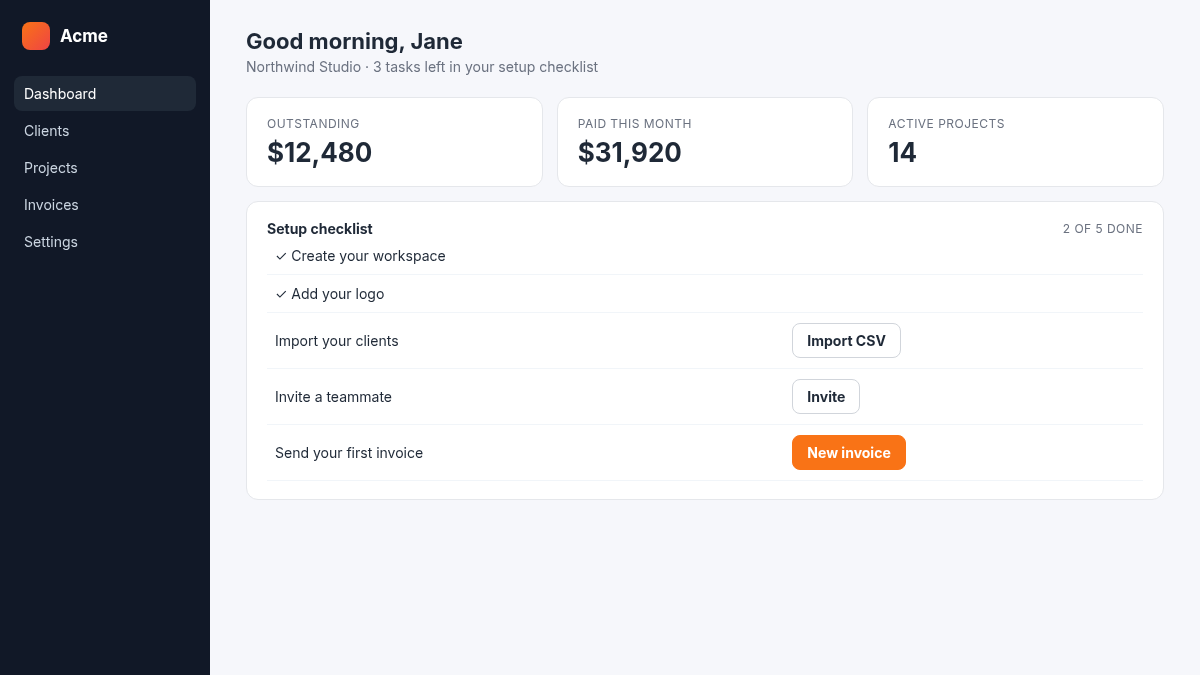
The dashboard shows a short checklist: add your logo, import your clients and send your first invoice. Each step links to the right page, and you can hide the checklist once you are done.
Related: Invite your teammates · Import clients from a spreadsheet