
How to cancel your subscription
- Go to Settings → Billing.
- Click Cancel plan at the bottom of the page.
- Tell us why (optional) and confirm.
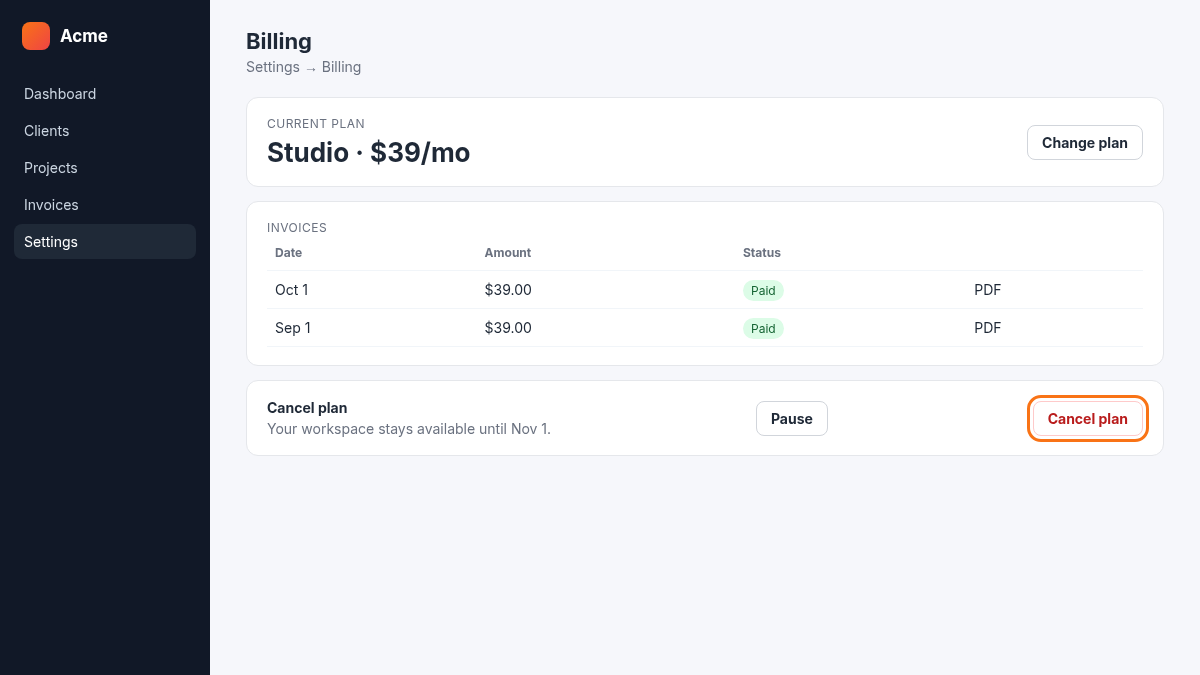
Your workspace keeps working until the end of the current billing period. After that it becomes read-only for 30 days, so you can still export everything.
Only need a break? Pause your subscription instead: your clients keep access to their portal.
Questions about money back? See Refunds after cancellation.